Why email still matters
Email lets you talk straight to the people who already know you: your leads, your customers, and the customers who haven't been back in a while. It lands in their inbox, and they read it when it suits them.
And most people do look. According to Statista, there were 3.9 billion email users around the world in 2019. And the 2018 Fluent Inbox Report, a survey of American adults, found that 80% of Americans check their email daily.
Types of marketing email
Every marketing email either asks the reader to do something or tells them something. Most fit one of three kinds.
Promotional emails
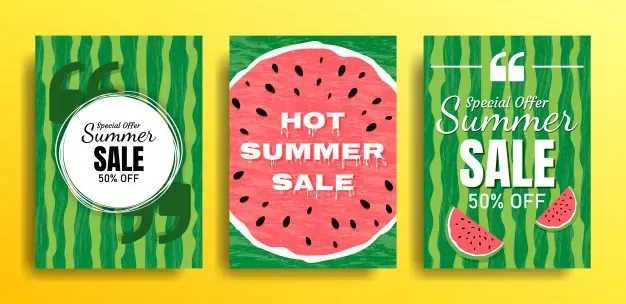
A promotional email asks the reader to do one thing, like book a visit or buy a service. That one thing is called the call to action, and it should be easy to spot.
Newsletters
We wrote in an earlier post about how email newsletters build customer loyalty. A newsletter shares news about your business: a milestone, a new service, or a story about how a customer used what you do. It's also the place for tips and ideas, whatever your readers find most useful.
Announcements
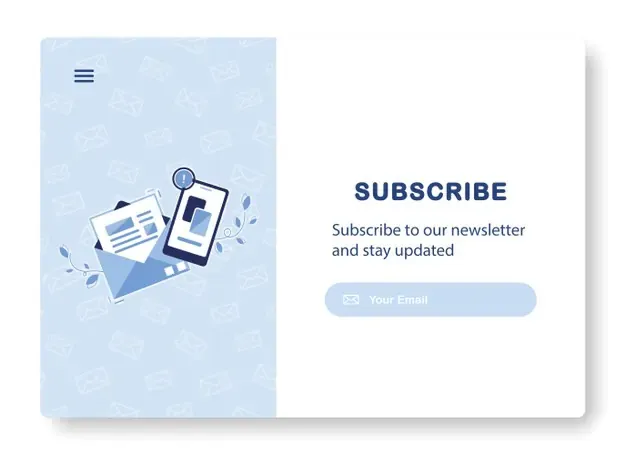
Email is a good way to tell customers about changes: new hours, a new service, a new location. It feels more official than a social post, so it's the right place for news people need to see.
4 email marketing tips to get you started
1. Make a plan
A plan makes every email after it easier to write. Here's what goes in one.
- Who you're writing to. Before you write a word, get clear on who your readers are and why they gave you their email address.
- Groups inside your list. Past customers, people who asked for a quote, and people who only signed up for tips all want different things. The closer an email fits its group, the more useful it is to them.
- What to say. Every email needs a reason to exist. Remember what people signed up for, and send them that.
- How often to send. A business with a busy blog might send daily updates, and another might send twice a month. Start at a pace you can keep, then watch your unsubscribe and click rates to see whether it's too much or too little.
- A calendar. Put your emails, blog posts and social posts on one calendar, so every email and post goes out on the day you planned it. What goes on it depends on your business, what you send and how often.
2. Keep the design simple
Keep the design plain so the words carry the email. Put the most important thing at the top, so somebody in a hurry gets the point in the first few lines and can skim the rest.
3. Test before you send, and after
Email programs don't all show an email the same way. So what looks right when you build it can look different in your customer's inbox. Check it on a computer and on a phone.
Send a test to a friend or somebody on your team first. They'll catch a typo, or a picture in the wrong place.
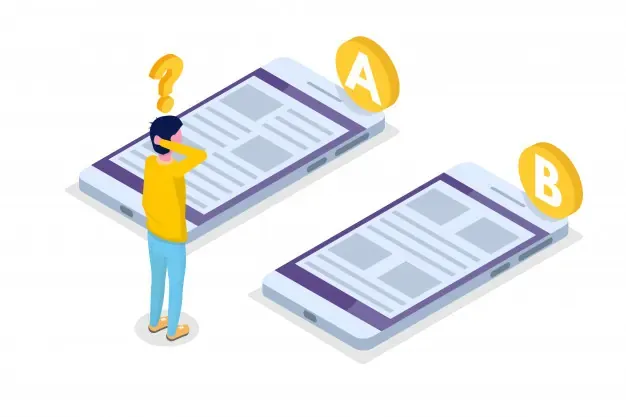
Then test what works. Which subject line gets more people to open? Is there a time of day your customers are more likely to book? An A/B test sends two versions of the same email to see which one does better, and your readers answer you with what they open and click. Use that answer on the next email.
4. Measure how each email did
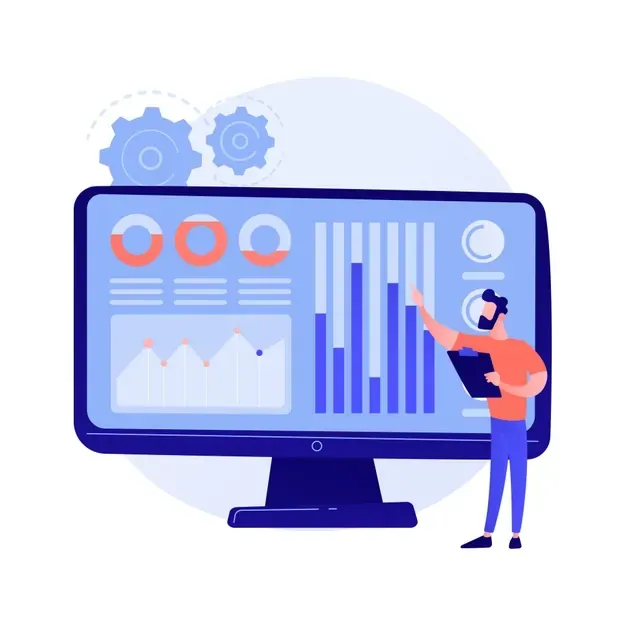
Most email software shows these four numbers on its main screen. They're how you know what to change next time.
Open rate
The share of people who opened the email, out of everybody who got it.
Click rate
Out of everybody who got the email, how many clicked a link in it.
Bounce rate
How many emails didn't get delivered, out of all the ones you sent. A soft bounce is a short-term problem, like a full inbox. A hard bounce is a lasting one, like an address nobody uses anymore.
Unsubscribe rate
The share of people who asked to stop getting your emails. If it's high, look at how often you send and whether each group is getting emails that fit them.
Email is follow-up
Most of the email in this post is follow-up: staying in touch with people after they've asked about a job, hired you, or gone a while without booking. Your past customers and old leads are already sitting in your software, and reaching them doesn't cost you a single ad.
Writing the emails, and keeping them going when you're busy, is the hard part. We write the messages in your own voice, set them up to go out on their own, so nobody has to remember to send them, and train your office to run them. That includes 12 campaigns already built: 4 for past customers, 4 for referrals and 4 for the months your work slows down every year. Here's the whole list of what The Business OS covers.